

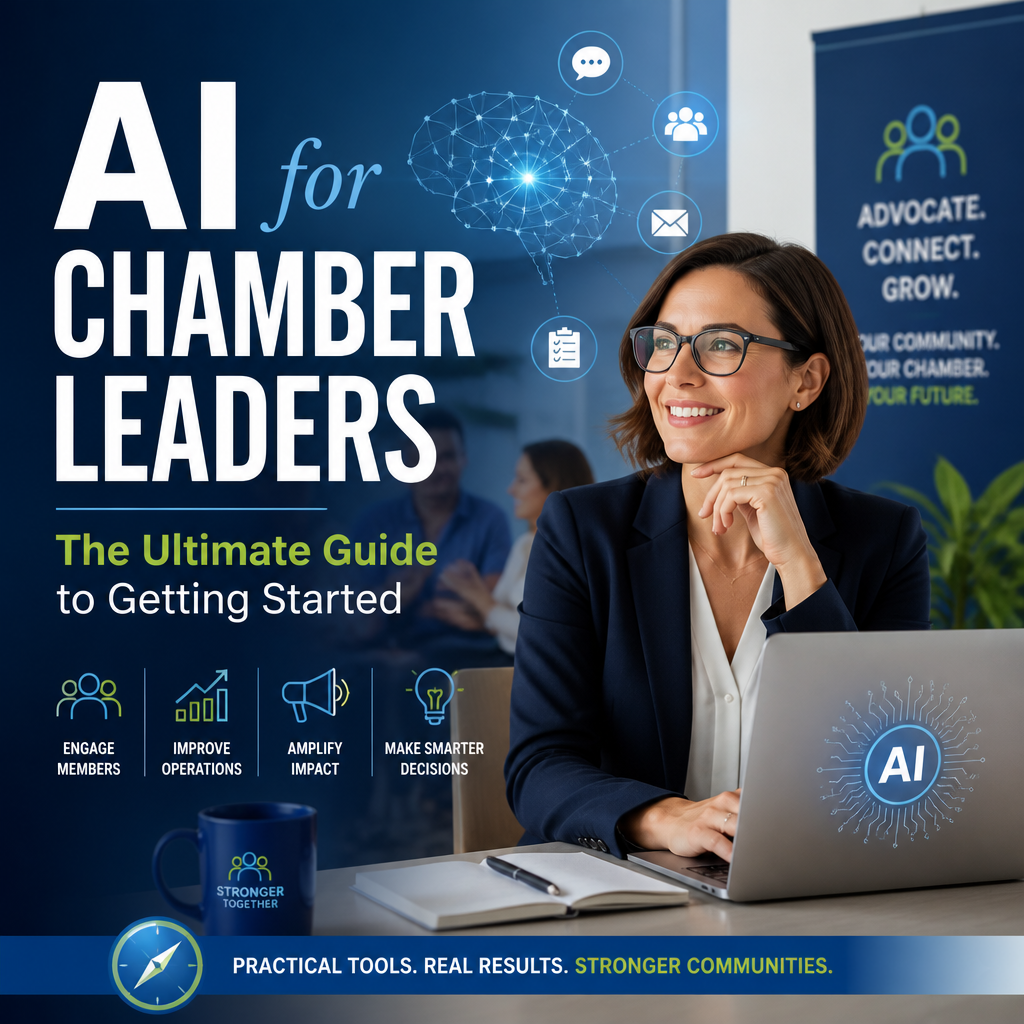
AI for Chamber Leaders: The Ultimate Guide to Getting Started
The Ultimate Guide to AI for Chamber Leaders
Artificial intelligence is no longer a distant technology reserved for large corporations. Today, accessible AI tools can help chambers of commerce communicate more effectively, support members, and make better use of limited staff time.
For chamber leaders, the opportunity is not to replace relationships or local expertise. It is to use AI for routine work so teams can spend more time building connections and strengthening their communities.
What AI Can—and Cannot—Do
AI tools can generate and summarize text, analyze information, answer common questions, and assist with repetitive administrative tasks. Generative AI, in particular, can create a first draft of an email, event description, social post, or report based on a prompt.
But AI does not understand your community the way your staff and members do. It can produce inaccurate information, miss local context, or sound generic. Treat it as an assistant that needs direction and review—not as an automatic decision-maker.
Practical Uses for Chambers
Save Time on Communications
Chamber teams often produce a steady stream of newsletters, event promotions, member announcements, and advocacy updates. AI can help create initial drafts, adapt a message for different platforms, or suggest subject lines.
For example, a staff member could provide an event’s date, audience, speakers, and key benefits, then ask an AI tool for a short promotional email. A human editor should verify every detail and ensure the message reflects the chamber’s voice.
Improve Member Support
AI can help organize frequently asked questions about membership, events, benefits, and local resources. A carefully reviewed knowledge base can make it easier to draft consistent responses and direct members to the right person.
Start with common, low-risk questions. For complex issues—such as legal, financial, or policy matters—make sure members are referred to a qualified professional or staff contact rather than receiving an unsupported AI-generated answer.
Make Meetings and Events More Efficient
With appropriate consent and safeguards, AI-enabled tools can summarize meeting notes, identify action items, or turn a webinar transcript into a recap. These features can reduce follow-up work and help staff capture key decisions.
Always check summaries against the original discussion. Do not upload confidential board materials, sensitive member information, or private conversations to a tool unless its terms and your organization’s policies allow it.
Support Research and Planning
AI can help staff brainstorm survey questions, group open-ended feedback into themes, or outline a draft strategic plan. It can also help turn existing research into a plain-language summary.
Use these outputs as a starting point. Verify facts, check sources, and consult members and local stakeholders before drawing conclusions or setting priorities.
A Simple Way to Get Started
A successful AI strategy does not require a large technology project. Begin with a small, practical experiment:
- Choose a repetitive task. Look for work that takes time but does not require sensitive information or complex judgment.
- Set a clear goal. Decide what improvement would matter, such as faster newsletter drafting or fewer hours spent organizing event feedback.
- Select an approved tool. Review privacy, security, data-retention, and account-access settings before staff use it.
- Create a review process. Assign a person to check accuracy, tone, accessibility, and any potential risks.
- Measure and adjust. Gather staff feedback and compare the results with your goal before expanding the use case.
A pilot helps the team learn where AI is genuinely useful—and where it adds more editing than value.
Set Guardrails Before Scaling
Chambers often handle member contact details, business information, and internal discussions. Protecting that information should be central to any AI effort.
Develop clear guidance that explains what staff may enter into AI tools, which tools are approved, and who is responsible for reviewing generated content. Avoid sharing personal, confidential, or proprietary data unless the tool has been formally evaluated and approved for that purpose.
It is also wise to disclose AI use when transparency matters, especially in member-facing services or published materials. Keep human accountability in place for decisions involving people, finances, advocacy positions, or organizational commitments.
Keep the Human Advantage
The ultimate guide to AI for chamber leaders is not a list of apps; it is a reminder to use technology in service of the chamber’s mission. AI can help teams work more efficiently, but trust, local knowledge, and personal relationships remain the foundation of chamber work.
Start small, protect member data, review every important output, and invite staff to share what they learn. Used thoughtfully, AI can give chamber leaders more room to focus on what matters most: helping businesses connect, grow, and contribute to a stronger community.